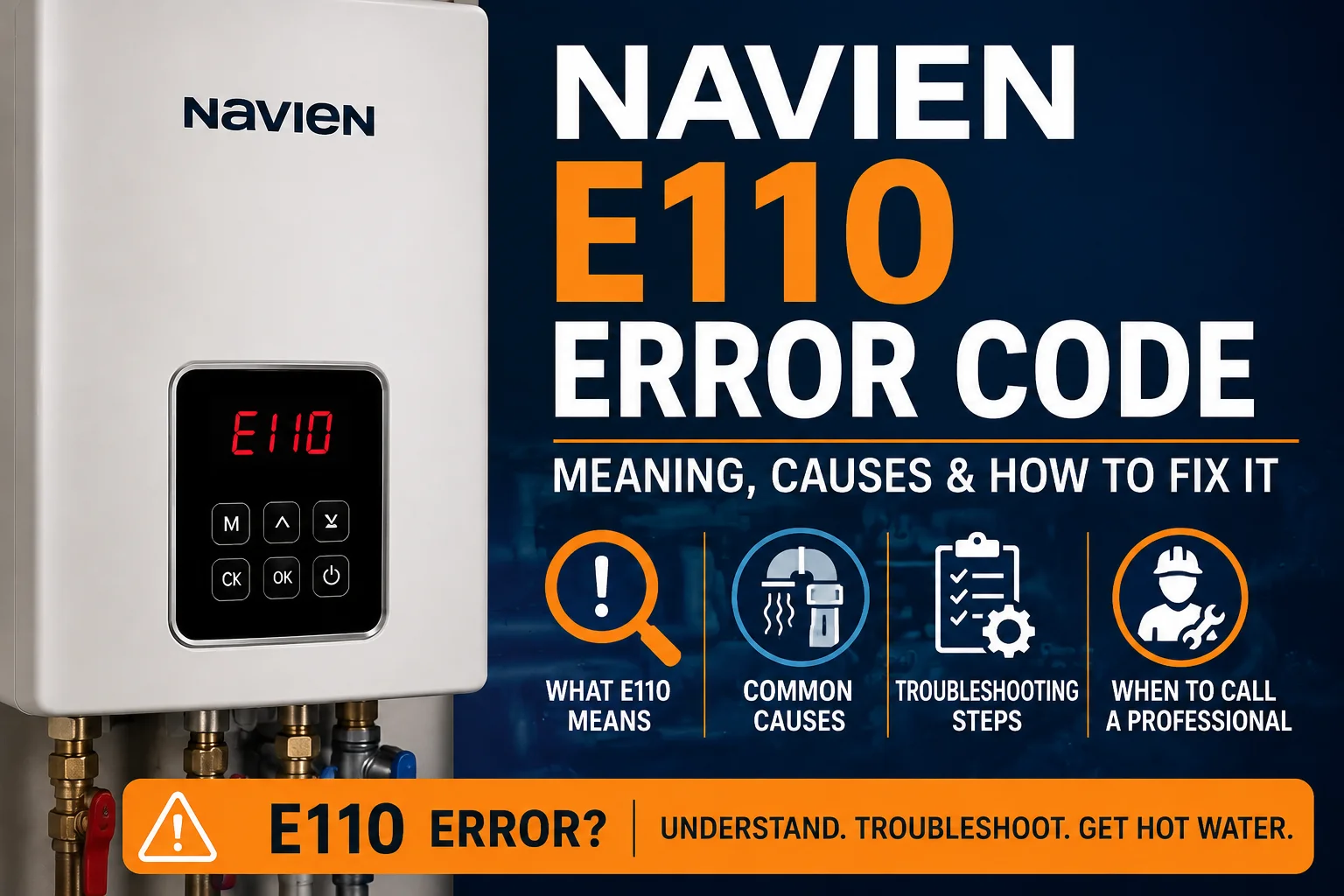
If your Navien water heater has stopped working and the display is flashing E110, this guide covers exactly what that means. Navien E110 is one of the most common codes homeowners see, and it’s tied to the unit’s combustion air and exhaust system. Because Navien units automatically shut down when they detect this fault, understanding what triggered it — rather than just clearing the display — matters for getting reliable hot water back. Below, we’ll walk through what E110 means, the most common causes, safe checks you can try, how resetting works, and when to bring in a professional.
What Does Navien E110 Mean?
According to Navien’s official error code documentation, E110 indicates an exhaust blockage, detected through abnormal air pressure in the combustion system. The unit uses an air pressure switch (APS) to monitor the pressure difference created as the fan pulls in combustion air and pushes exhaust out. When that pressure reading falls outside the normal range, the control board reads it as a sign that exhaust isn’t leaving the unit properly, or that combustion air isn’t reaching the burner correctly.
When this happens, the unit shuts the gas valve and stops the burner as a safety measure. It won’t operate again until the error clears. Navien also uses sub-codes with E110 depending on exactly when the fault was detected — for example, during a fan check, while running hot water, or during space heating — so the display on your unit may show a slightly different sub-number. The exact sub-code meaning can vary by model, so if you want the precise breakdown for your unit, it’s worth checking the code table in your model’s official Navien manual.
It’s worth noting: some older or unofficial sources online mix up E110 with unrelated faults, like a water valve or feeder issue. That’s incorrect — Navien’s own documentation ties E110 specifically to exhaust and air pressure.
What Causes the Navien E110 Error Code?
E110 happens when something interferes with normal airflow through the intake and exhaust system, or when the sensor monitoring that airflow can’t get an accurate reading:
- Blocked or restricted exhaust venting. Debris, a bird’s nest, crushed or sagging vent pipe, or a damaged vent cap can all prevent exhaust gases from leaving properly, which raises the pressure reading the unit sees.
- Blocked or restricted air intake. If the intake vent is obstructed, the unit can’t pull in enough combustion air, which throws off the pressure balance the APS is measuring.
- Weather-related blockage. Snow, ice, leaves, or wind-blown debris covering or partially covering the vent termination outside your home is a frequent, easy-to-spot cause.
- A clogged air intake filter. A dirty filter inside the unit restricts airflow the same way an outside blockage does.
- Condensate drainage issues. Because Navien tankless units are condensing appliances, exhaust gases produce condensate that has to drain freely. A clogged condensate trap or line can affect the pressure reading and trigger E110.
- A failing air pressure switch or related sensor. Less commonly, the APS itself can malfunction, reporting an abnormal pressure reading even when airflow is actually fine.
Each of these creates the same result — an airflow or pressure reading outside the unit’s safe range — which is why E110 can show up for anything from a simple outdoor blockage to a component that needs professional attention.
How to Troubleshoot Navien E110
Check the Error Code
Before doing anything else, note the full code and sub-number shown on the display, along with when it appeared (during startup, mid-shower, or randomly). This detail is useful if you end up calling a technician, since it narrows down when the airflow problem was detected.
Check the Venting System
From outside your home, look at the vent termination point for anything covering or blocking it — leaves, snow, ice, a nest, or general debris. If you can see an obvious obstruction and it’s safely reachable, clearing it is a reasonable homeowner step. Avoid disassembling, extending, or modifying the vent pipe yourself; venting length and configuration are specific to your installation and should only be changed by a qualified installer.
Check the Air Intake
If your unit has a separate intake vent, check that it also isn’t blocked from the outside. Inside the home, if you’re comfortable doing so, check whether the air intake filter (where accessible on the exterior of the unit) looks visibly dirty or clogged, and clean it if your owner’s manual describes that as a routine homeowner task.
Check for Other Warning Signs
Take note of anything else unusual: a burning smell, soot near the vent, unusual noise from the unit, or repeated shutdowns. These are signs to stop troubleshooting and call a professional rather than continuing to reset the unit.
Reset the Unit When Appropriate
Once you’ve cleared any obvious external blockage, a reset is a reasonable next step. If nothing looks blocked or you’re unsure, it’s still fine to try a reset once — just pay close attention to whether the code returns.
How to Reset a Navien With an E110 Error
Most Navien tankless units can be reset using the power button on the front control panel, or by briefly cutting power to the unit. This clears the error message and lets the unit attempt normal operation again.
A reset does not fix whatever triggered the airflow or pressure problem — it just gives the unit a chance to run again. If the underlying blockage or sensor issue is still there, E110 will likely reappear, sometimes right away and sometimes after a few uses. For full step-by-step instructions, see our guide on how to reset a Navien tankless water heater.
What If Navien E110 Keeps Coming Back?
A recurring E110 code means the airflow or pressure issue behind it hasn’t actually been resolved, even if resetting temporarily clears the display. At this point, the cause is usually one of the following:
- A persistent venting or intake obstruction that isn’t visible or reachable from outside
- An installation-related issue with vent length, routing, or termination
- A condensate drainage problem inside the unit
- A failing air pressure switch or related sensor
Repeated resets without addressing the actual cause aren’t a long-term fix, and they don’t tell you which of these possibilities is responsible. A proper diagnosis using the right tools is the only reliable way to confirm what’s actually happening inside your specific unit.
When Should You Call a Professional?
Contact a licensed HVAC or plumbing professional if:
- E110 keeps returning after you’ve checked for obvious blockages and reset the unit
- The unit shuts down repeatedly during normal use
- You have no hot water even after basic checks
- You notice unusual sounds, a burning smell, or soot near the vent
- The venting system appears damaged or needs adjustment
- The issue seems related to an internal sensor or component
None of this means E110 is always a major repair — a cleared vent or filter resolves plenty of cases. But once you’ve done the safe, external checks, further diagnosis requires opening the unit and testing components, which isn’t a homeowner task.
Can I Fix Navien E110 Myself?
In many cases, yes — at the level of clearing an obvious outdoor vent blockage, cleaning an accessible intake filter, and resetting the unit. Those steps are safe, external, and don’t require opening the appliance.
What you shouldn’t attempt yourself is anything involving the unit’s internal components: adjusting or repairing the air pressure switch, modifying the vent piping, working on gas connections, or handling internal wiring. These jobs involve combustion safety and should be handled by a technician familiar with Navien tankless water heater error codes and troubleshooting.
Frequently Asked Questions
What does E110 mean on a Navien water heater?
It means the unit detected an exhaust blockage or abnormal air pressure in the combustion system and shut down as a safety precaution.
How do I fix the E110 error on my Navien?
Start by checking the vent termination and intake outside for blockages, clean an accessible air filter if applicable, then reset the unit. If it returns, call a professional.
Why does my Navien keep showing E110?
A recurring code usually means the underlying airflow or pressure problem — a hidden blockage, drainage issue, or failing sensor — hasn’t been resolved yet.
Can I reset a Navien E110 error?
Yes, using the power button or by cycling power. A reset clears the display but doesn’t fix the cause, so watch whether the code returns.
Is the Navien E110 error dangerous?
The unit shuts itself down specifically to prevent unsafe combustion, so it’s acting as intended. A recurring E110 should still be diagnosed promptly, since it involves how exhaust gases leave your home.
Should I call a professional for E110?
If basic external checks and a reset don’t resolve it, yes. Ongoing airflow or exhaust issues need proper diagnostic equipment to pin down safely.
Navien E110 points to a problem with combustion air or exhaust flow, detected by the unit’s air pressure switch. Identifying the actual cause — rather than just resetting the unit repeatedly — is what actually gets your hot water back reliably. Homeowners can safely check for outdoor vent blockages and clean an accessible filter, but a code that keeps returning after those steps is a sign to bring in a professional for proper diagnosis.