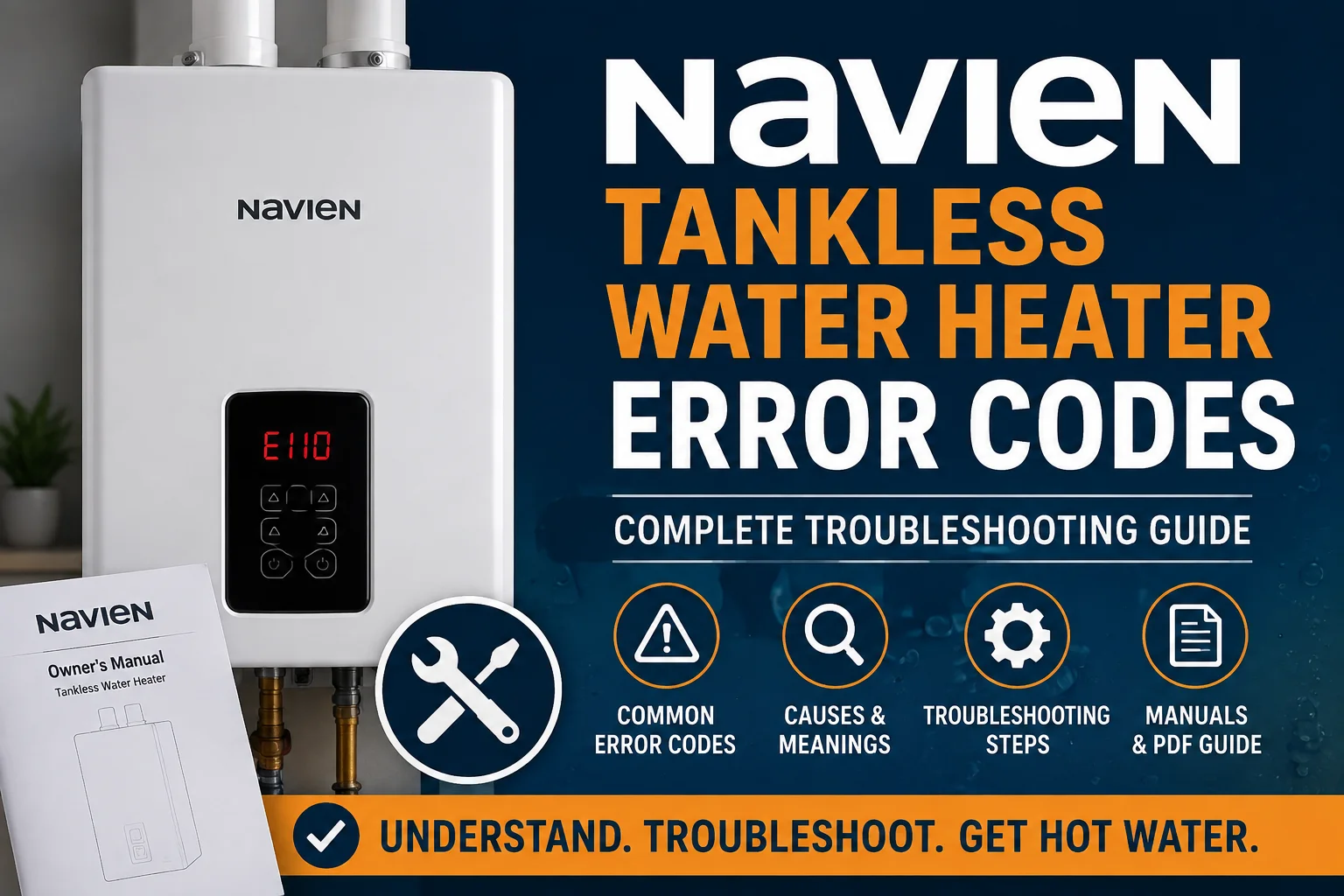
If your Navien tankless water heater has suddenly stopped delivering hot water and a code is flashing on the display, you’re not alone. Navien tankless water heater error codes are the unit’s way of telling you something specific has gone wrong — a flame that won’t stay lit, a blocked vent, low water pressure, or a sensor that isn’t reading correctly. Instead of guessing, you can use the code to narrow down the cause. This guide breaks down what Navien error codes mean, walks through the most common ones, explains safe troubleshooting steps you can try at home, and helps you decide when it’s time to call a professional.
What Do Navien Tankless Water Heater Error Codes Mean?
An error code is a short signal — usually a letter followed by a few numbers, like E003 or E110 — that appears on the unit’s front panel when the internal control board detects an operating condition outside its normal range. Think of it as a diagnostic shortcut. Rather than a vague “not working” message, the code points toward a specific system: ignition, water flow, venting, water pressure, or an electrical component.
You’ll typically see the code on the digital display on the front of the unit, sometimes paired with an audible beep. If your Navien is connected to the NaviLink Wi-Fi app, the code and a brief description may also show up on your phone.
It’s worth understanding the difference between an error code and a general performance issue. A drop in water temperature or weaker flow doesn’t always trigger a code — that can simply be a sign of scale buildup or high demand. An actual error code means the control board has identified a specific fault and, in many cases, has shut the unit down as a safety precaution.
Common Navien Tankless Water Heater Error Codes
Navien uses dozens of trouble codes across its product lines, and the exact list can vary somewhat by model and series. The table below covers some of the most frequently reported Navien water heater error codes and what they generally point to. For a full breakdown of any single code, dedicated guides go into more depth.
| Error Code | What It Usually Indicates | Basic Troubleshooting |
|---|---|---|
| E003 | Ignition failure — the burner isn’t lighting | Confirm the gas supply valve is fully open and the unit has steady power |
| E004 | False flame detection | Check that the ground wire is securely connected; often needs a technician |
| E011 | High water pressure on the heating side | Power the unit off, allow pressure to release, then restart |
| E012 | Flame loss during operation | Verify gas supply is adequate and the vent isn’t restricted |
| E016 | Heat exchanger overheating, often linked to scale buildup | Schedule descaling maintenance; avoid running the unit if it recurs |
| E109 | Fan motor issue | Check and clean the air intake filter |
| E110 | Exhaust vent blockage or restricted airflow | Inspect the exhaust vent termination outside for obstructions like debris, snow, or nesting |
| E302 | Water pressure or water supply issue (meaning can vary by model) | Check that the main water valve is fully open and the inlet filter isn’t clogged |
Because Navien’s code list differs across the NPE, NCB, and combi-boiler lines, always confirm the exact meaning against the manual for your specific model before assuming a fix. If you’ve searched a specific code like the Navien E110 error code, E003 error code, E012 error code, or E016 error code, a dedicated troubleshooting guide for that code can walk through the full diagnostic process in more detail.
How to Troubleshoot a Navien Tankless Water Heater Error Code
Before calling for service, there are several safe checks most homeowners can perform:
- Write down the exact code. Note the full code (including any sub-numbers) and when it appears — during startup, mid-shower, or randomly.
- Check the owner’s manual. Navien includes a code reference chart specific to your model. This is the most reliable source for what your unit’s display is telling you.
- Confirm the unit has power. Make sure it’s plugged in, the breaker hasn’t tripped, and the display is fully lit.
- Check basic water and gas conditions. Make sure the main water supply valve and gas shutoff valve are fully open. Low water pressure or an interrupted gas supply can trigger several common codes.
- Look for obvious blockages. Inspect the exhaust vent termination and air intake outside your home for debris, ice, or nesting animals. A restricted vent is a frequent, homeowner-visible cause of errors.
- Reset the unit if appropriate. Most Navien units can be reset using the power button on the front panel. Only do this once you’ve addressed anything obvious, like a closed valve or blocked vent.
- Watch for a repeat. If the code clears and doesn’t return, the issue may have resolved. If it comes back — especially within a day or two — that points to an underlying problem that needs professional attention.
Stick to these external, low-risk checks. Don’t attempt to open the unit’s cabinet, work on the gas line, adjust the combustion settings, or handle any internal electrical components yourself. Those repairs involve combustion and venting safety and should be left to a licensed technician.
When Should You Call a Professional?
Some situations call for a trained technician rather than continued DIY troubleshooting:
- The same error code keeps returning after a reset
- The unit shuts down repeatedly during use
- You have no hot water at all, even after basic checks
- You notice any signs of a gas smell, soot, or combustion irregularities
- The error involves an electrical or sensor component you can’t safely inspect
- Basic troubleshooting hasn’t resolved the issue within a reasonable timeframe
None of this means every error code is a major repair — many are resolved with a simple valve adjustment or filter cleaning. But if you’ve gone through the safe checks and the problem persists, a licensed plumber or Navien-trained technician can diagnose it properly with the right tools, rather than relying on trial and error.
Can You Reset a Navien Tankless Water Heater?
Yes — most Navien tankless water heaters can be reset using the power button on the front control panel. A reset can be a reasonable first step after you’ve corrected an obvious external issue, like reopening a closed valve or clearing a blocked vent.
That said, a reset only clears the error message; it doesn’t fix whatever triggered it. If the underlying cause is still present, the code will likely reappear, sometimes within minutes and sometimes after a few days. If you find yourself resetting the unit repeatedly for the same code, that’s a strong sign the issue needs a proper diagnosis rather than another reset. For step-by-step instructions, see our guide on how to reset a Navien tankless water heater.
Navien Error Codes PDF and Manuals
Because error codes and their exact meanings can differ between Navien’s NPE, NCB, and combi-boiler series — and even between older and newer versions of the same series — the most reliable source is the owner’s or service manual for your specific model. Navien makes model-specific manuals available through its official website and customer support channels, and these documents include the full, accurate code list along with recommended actions.
It’s worth avoiding random PDF copies or generic “universal” code charts floating around online, since they may reference a different model or an outdated code list. When in doubt, check the model number on your unit’s rating plate and pull up the matching manual directly from Navien’s official resources.
Frequently Asked Questions
What are the most common Navien tankless water heater error codes?
Ignition and flame-related codes like E003, E004, and E012 are among the most frequently reported, along with venting codes like E110 and water pressure codes like E302.
How do I find the error code on my Navien water heater?
The code appears on the digital display on the front of the unit. If you have the NaviLink app connected, it may also send a notification with the code to your phone.
Can I reset a Navien tankless water heater myself?
Yes, using the power button on the unit is generally safe. Just remember that a reset clears the display, not necessarily the underlying cause.
Why does my Navien keep showing an error code?
A recurring code usually means the root cause — a blocked vent, low water pressure, or a failing component — hasn’t been resolved yet, even if a reset temporarily clears it.
Where can I find a Navien error codes manual or PDF?
Your best source is the official owner’s or service manual for your exact Navien model, available through Navien’s website or customer support, since codes can vary between models.
Understanding Navien tankless water heater error codes gives you a real head start when something goes wrong — you’ll know which checks are safe to try yourself and when it’s time to bring in a professional. If a code keeps coming back after basic troubleshooting, don’t keep resetting the unit repeatedly; a licensed technician can pinpoint the actual cause and get your hot water reliably back on track.